> ## Documentation Index
> Fetch the complete documentation index at: https://odigos-cursor-browser-instrumentation-security-2830.mintlify.site/llms.txt
> Use this file to discover all available pages before exploring further.
# Generating Data
## Wait for collectors to be ready
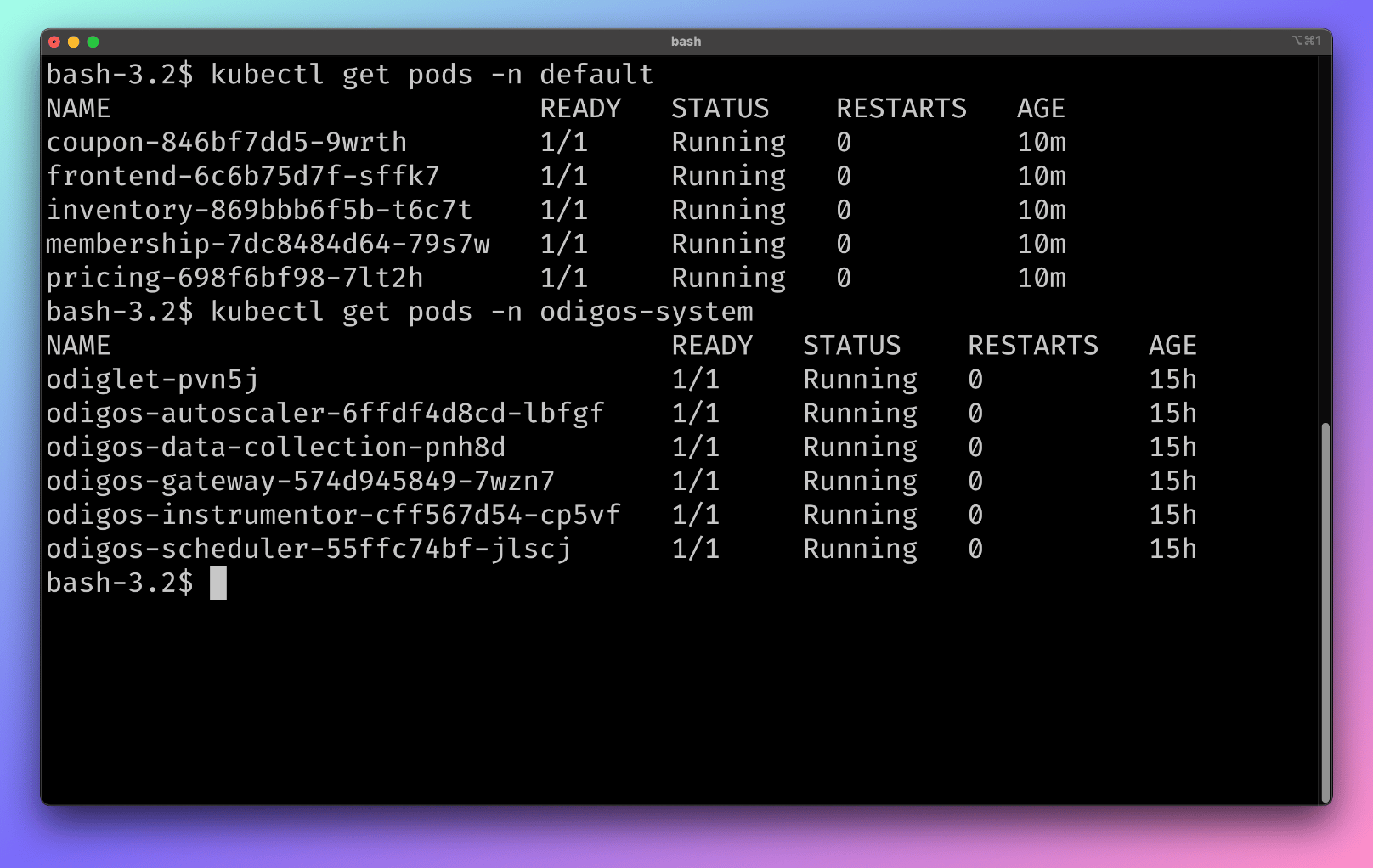
Before generating data, make sure that the collectors and applications are ready. To check this run the following command:
```bash theme={null}
kubectl get pods -n default
```
```bash theme={null}
kubectl get pods -n odigos-system
```
 ## Access frontend application and generate data
In order to access the frontend application, run the following command:
```bash theme={null}
kubectl port-forward svc/frontend 8080:8080
```
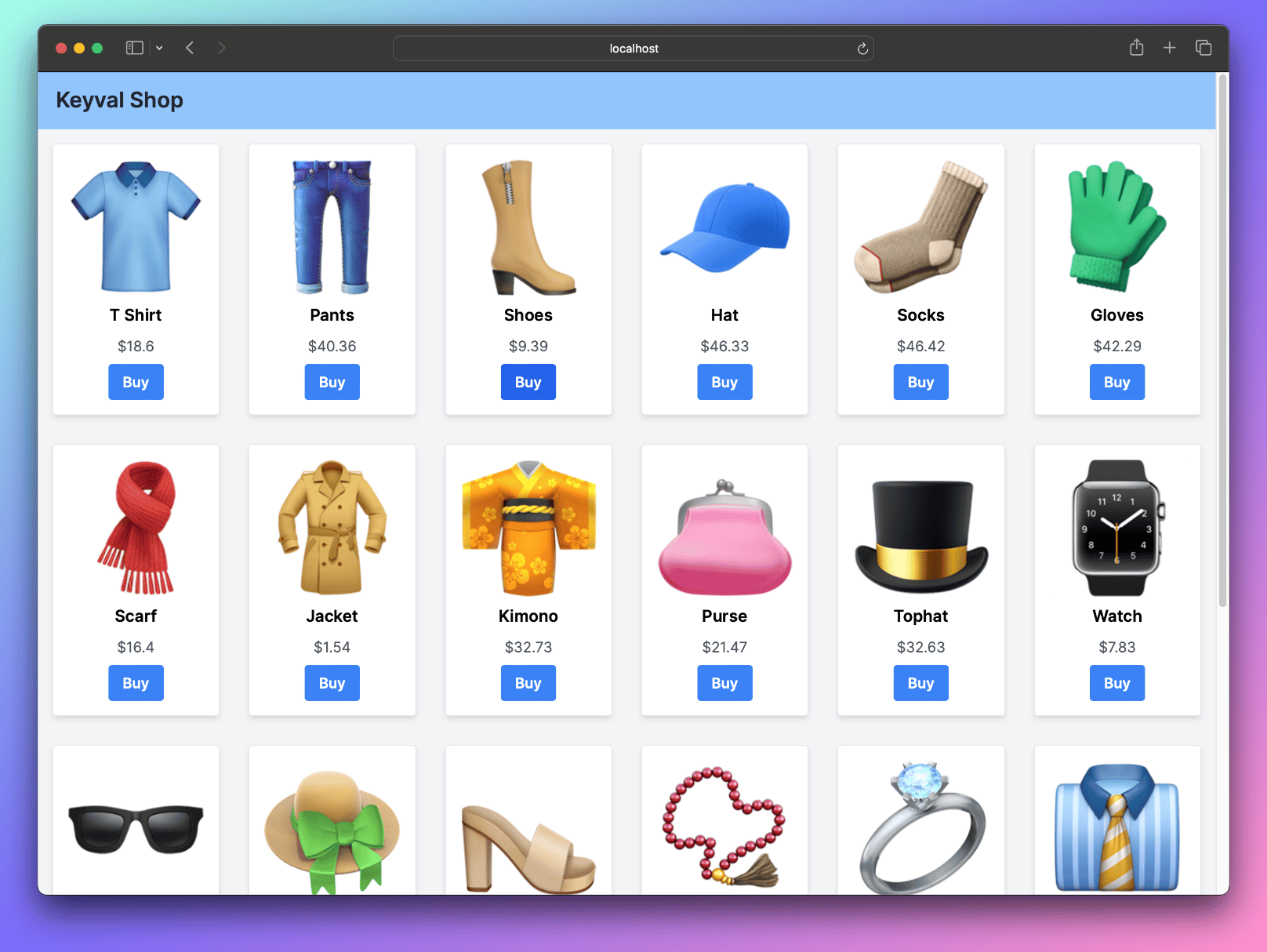
Then, open the following URL in your browser: [http://localhost:8080](http://localhost:8080) and purchase some items.
## Access frontend application and generate data
In order to access the frontend application, run the following command:
```bash theme={null}
kubectl port-forward svc/frontend 8080:8080
```
Then, open the following URL in your browser: [http://localhost:8080](http://localhost:8080) and purchase some items.